The reason your social media calendar is always behind isn't writing. It's approvals. Every team I've talked to that posts less than they want to has the same bottleneck: a manager whose inbox is full, a client who responds in three-day batches, a legal review that takes eleven days to bless a thirty-character tweak.
Most posts spend 80% of their lifecycle waiting for approval. The actual writing takes twenty minutes. The actual scheduling takes thirty seconds. The waiting takes two to seven days. If you compress the waiting, you don't need to write more or post more — you just unlock the throughput you already have.
This is a practical guide to what a good approval workflow looks like for social content — specifically using Slack and email, the two channels your stakeholders actually open — and how to roll one out without breaking what's already working.
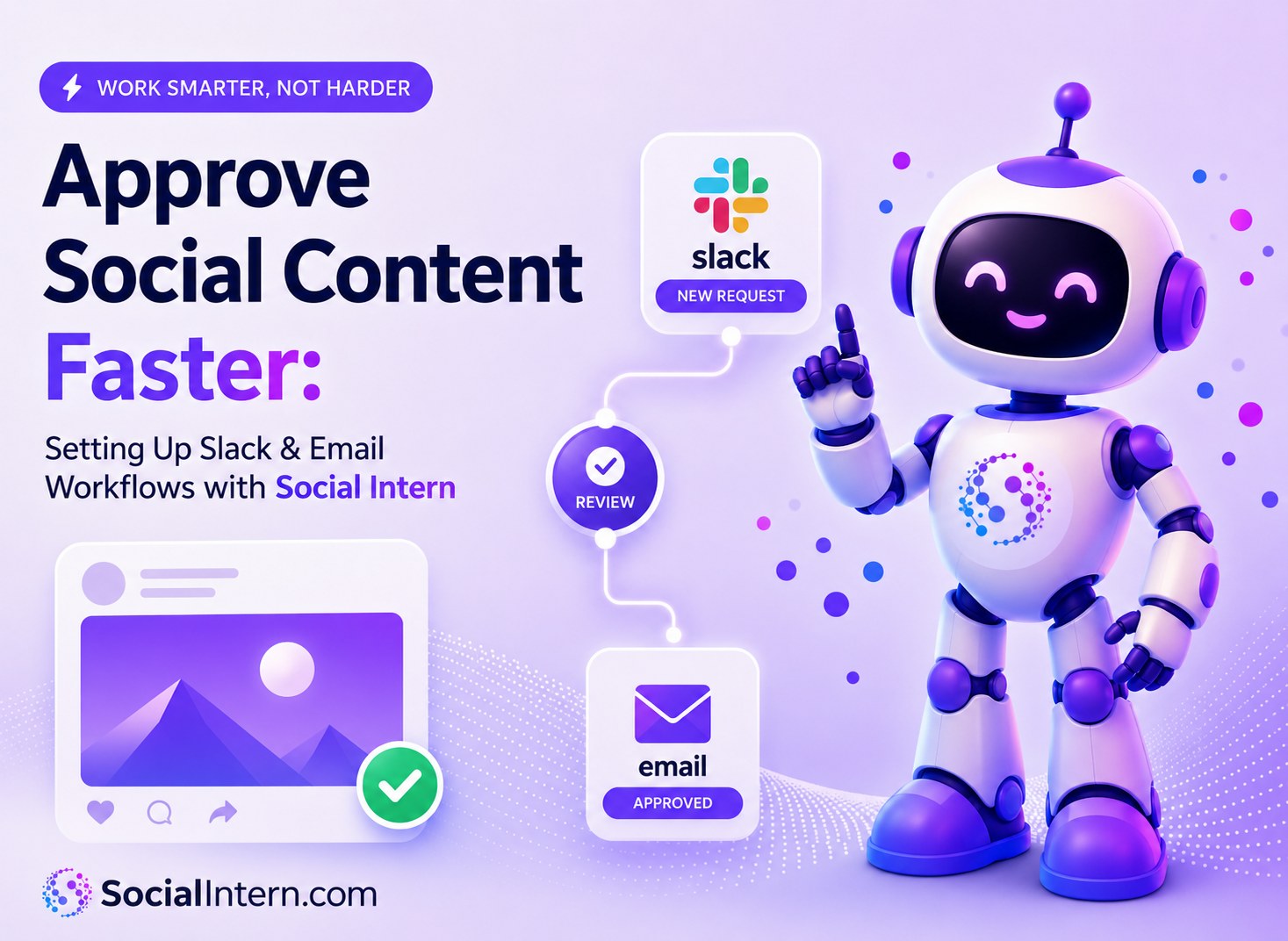
Why approvals are the real social media bottleneck
The math is uncomfortable. A small marketing team produces 8 posts a week. Average approval cycle is 36 hours per post. The team has 4 reviewers, who each touch 2 posts per cycle. That's roughly 96 hours per week of total post lifecycle, of which maybe 12 hours is actual work. The rest is queue time.
The same team, if they cut approval time to 4 hours per post by moving reviews into Slack with one-click decisions, recovers about 80% of that queue time — without writing a single additional post. Output goes from 8 posts a week to 18–20 a week.
The reason approval workflows stay broken is that they're invisible until you measure them. Writing takes effort; approval queue time happens silently. Once you start tracking the median time from "draft ready" to "post scheduled," the bottleneck becomes obvious in a week.
Four approval workflow shapes (three of them broken)
In practice, social content gets approved one of four ways.
The shared doc. Drafts live in a Google Doc; reviewers comment; the writer resolves comments. Works for two or three posts a month. Breaks at any real volume — no one gets notified, comments stack, decisions disappear into resolved-comment limbo.
The email forward. Drafts go out as email attachments or pasted into the body. Reviewers reply or don't. The audit trail is your inbox. Works marginally; falls apart the moment a draft needs more than one round.
The platform-native review. The social tool you use has a built-in review interface. Reviewers log in (or don't) and click approve (or don't). The fatal flaw: your reviewers don't live in that tool, so they ignore the email notifications.
The channel-native review. Drafts surface where reviewers already work — Slack, Teams, or email — with action buttons that don't require leaving the channel. This is the one that actually works at volume.
The first three are common because they're the path of least resistance to set up. The fourth is the path of least friction to actually run. Pick the one whose friction shows up where you want it.
The Slack approval flow — what good looks like
A Slack approval flow worth using has three core elements. Skipping any one of them is what makes most attempts feel clunky.
A dedicated channel per client or team. Don't put approvals in #general or #marketing. A clean channel keeps the audit trail visible and makes the action buttons obvious.
The full preview in the message. Reviewers should see the caption, the image, the scheduled time, and the target platform without clicking out. The whole point of Slack-native review is no context switches.
One-click decisions in the channel. Reviewers should be able to act on a draft — approve it, skip it for now, or kill it — without leaving Slack. Flows that require logging into a separate dashboard for the simple cases will get ignored; reviewers procrastinate or skip the dashboard altogether.
With those three in place, a small team can run a week's worth of social content through review in the time it used to take to approve a single post by email. Social Intern handles all three.
The email approval flow — for stakeholders who don't live in Slack
Not everyone uses Slack. Legal reviewers, executives, and external collaborators often live in email. The email flow has to do everything the Slack flow does, with two adaptations.
Inline action links instead of buttons. "Approve this post: [link]" / "Skip for now: [link]" / "Delete: [link]" — each link encodes the decision and (optionally) opens a one-field form. No login required.
Plain-text fallback. If the recipient's email client strips HTML, the message still has to be readable. Default to plain text with the preview rendered cleanly.
The same principles from the Slack flow translate to email — surface the full preview in the body, keep decisions to a single tap, and name a backup approver explicitly. For clients who only check email once a day, design for that pace: a soft deadline of end-of-next-business-day, plus a clear handoff to the backup if the primary doesn't reply by then.
Edge cases to evaluate when picking a tool
The messy cases are where most approval flows fall apart. Two things worth checking before you commit to a tool — not every tool handles them, and the gaps may or may not matter to you:
Edit requests. When a reviewer wants to change "we" to "you" — a one-word fix — can they make the edit inline and send it back, or does it require a separate comment thread? The first is fast; the second adds a full round-trip to every minor change.
Rejections with reason. When a reviewer kills a post, is there a clear place for them to capture why? Tools that route rejection reasons back to the writer prevent the "what was wrong with it?" silence that quietly kills morale on any approval flow.
If your approvals are the bottleneck, the fix is mostly procedural — but the right tool removes the friction. Book a demo and run your first approval through Slack.
The audit trail you already have
You won't think about audit trails until the day someone asks "who approved that post?" and you can't answer. The good news: if your approval flow lives in Slack or email, you already have one — Slack's channel history and your email threads are the audit trail. Every decision, every edit suggestion, every back-and-forth is there with timestamps and names attached.
This matters most for regulated industries — finance, healthcare, legal — where someone may eventually ask why a controversial post went live. Law firms and other regulated verticals tend to insist on the trail from day one for good reason. Channel-native review flows have a real advantage here over platform-native dashboards: the conversation, not just the final state, is captured automatically.
Rolling out a new approval flow
Replacing an existing approval process is harder than the tool change. Three rules for a smooth rollout.
Start with one client or one team. Don't migrate everyone at once. Run the new flow with a friendly internal team or your most flexible client for two weeks, fix the issues, then expand.
Keep the old flow as a fallback for thirty days. Some reviewers will resist. Let them keep their email-thread approvals while the new flow proves itself; switch them over after they see the data.
Track the median approval time weekly. Show the team the number. When it drops by 60%, the case for the new flow makes itself.
Frequently Asked Questions
Use the email flow for those clients; both flows produce the same downstream result. Some clients eventually adopt Slack when they see the speed difference; many never do, and that's fine.
Set a soft deadline on the team (e.g., end of day for Slack, end of next business day for email) and name a backup approver who can step in if the primary goes silent. Whatever you do, the post should default to "hold" — never "auto-approve."
Slack approvals work natively on mobile. Email approvals work if the action links are tap-friendly. Most reviewers actually approve from their phones — design for it.
They shouldn't if you're set up right. The flow should add seconds, not minutes. If approvals feel like overhead at low volume, the flow is over-engineered.
For brand-sensitive content, yes — at least at first. The approval step costs less than a stray off-brand post going live. Once a writer has a track record (say, thirty consecutive posts approved without a single rejection), some teams shift them to a lighter "spot check" mode. New writers and external contractors stay in the full flow.
Set up a separate Slack channel or email thread per client, and use a brand-voice profile per client. The same flow runs for all of them; only the routing changes. Some agencies run twenty client flows from one dashboard.